

Version Control for a Folder in the File Repository
You can enable version control for individual files or for an entire folder in the file archive. If you enable version control on a folder in the file archive, in addition to the checkbox to enable version control, you’ll also see the button “Enable version control for all subfiles and subfolders...” If you click it, version control will be enabled for all files and folders in that structure.
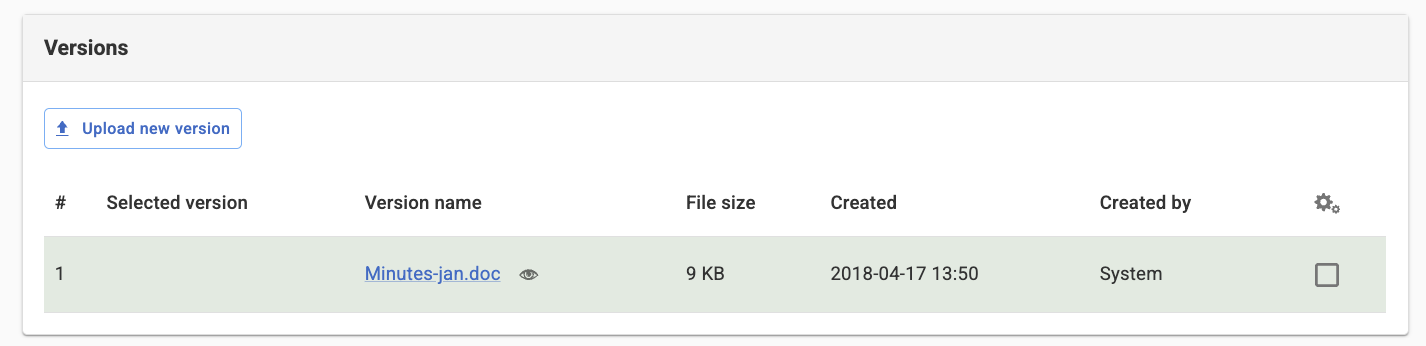
Once you have enabled version control for the file, additional information about the file will be displayed.
The page published:
 Print page
Did the information help you?
help.sitevision.se always refers to the latest version of Sitevision