
Properties on a page
By selecting Properties on items in the editor, you can access settings and information about the item. Properties can be found by right-clicking on an item, such as a page, module, layout, template etc. Depending on the item you are on, you will see the same panels that you can click through.
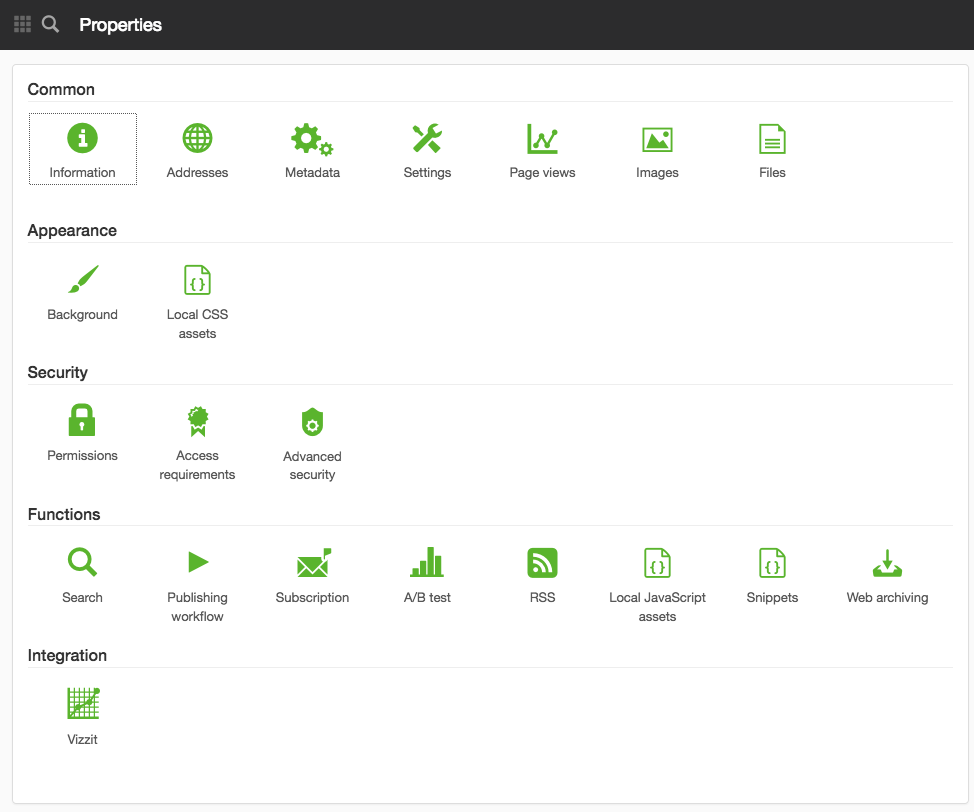
The page published:

Did the information help you?
help.sitevision.se always refers to the latest version of Sitevision