

File/Image Properties
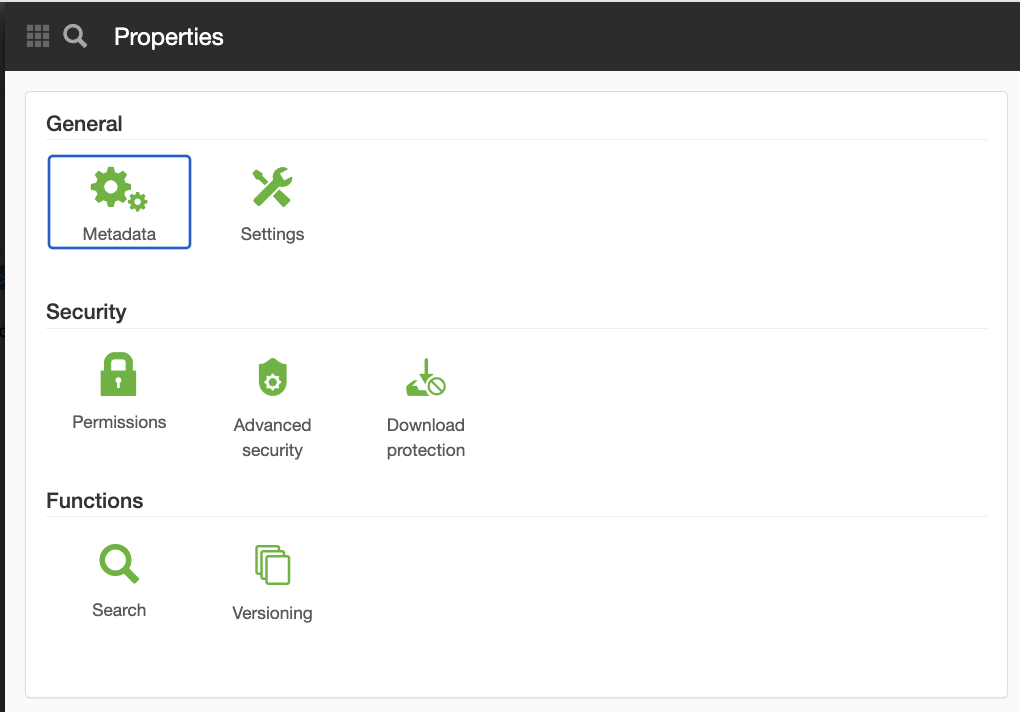
General
Metadata
Learn more about the Metadata panel.
Settings
In the Settings panel, you can change the name, the language or the creation date of a file or image.
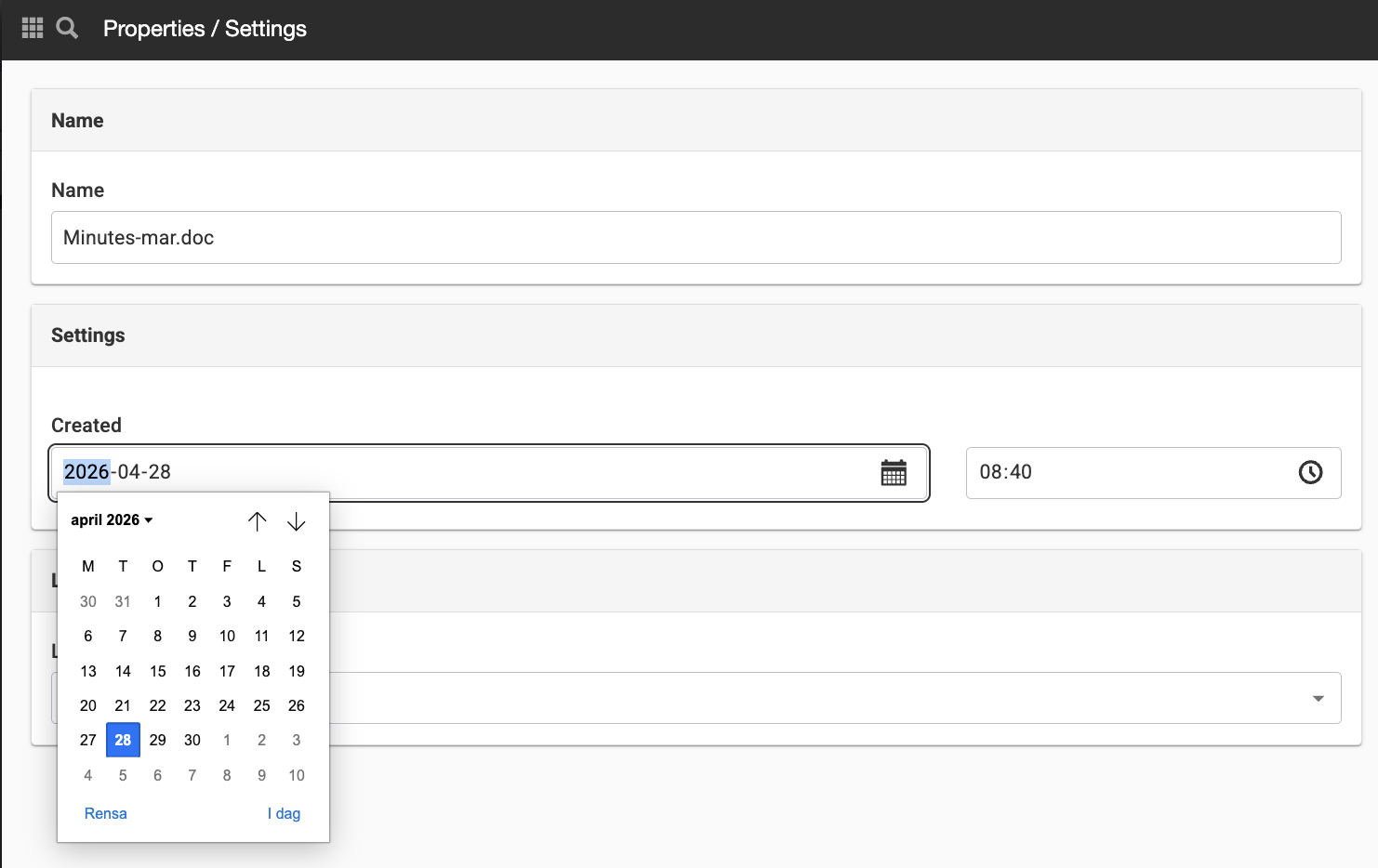
This can be helpful if you've built a new website and are moving a large number of files at once.
Security
Permissions
Learn more about the Permissions panel.
Advanced Security
Under Advanced Security, you can configure settings related to CORS.
Cross-Origin Resource Sharing (CORS) is a mechanism that uses additional HTTP headers to instruct browsers to grant a web application running on one origin access to selected resources from another origin.
- Do not allow from any domain - Check this box if you do not want to allow CORS.
- Allow from all domains - Check this box if you want to allow CORS from all domains
- Allow only for specified domains - Check this box if you want to allow CORS for specific domains. You can then specify the allowed domains here.
Download Protection
This setting applies only to folders and files in the file archive.
Files uploaded to a download-protected folder cannot be downloaded and will not be found by search engines (neither Sitevision’s built-in search engine nor external search engines). However, the files will be searchable within Sitevision’s editing interface.
If a page containing a link to a download-protected file is published, the download protection is removed and the page becomes accessible.
This feature requires that you have the "Manage file download protection" permission.
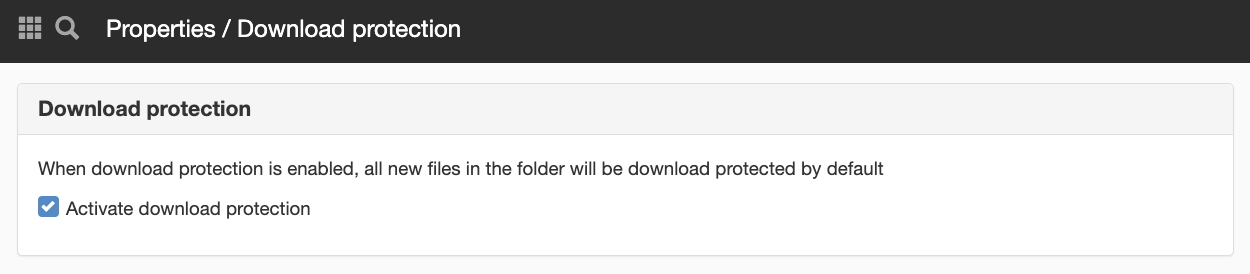
If you check the "Activate download protection" box for a folder in the file archive, all files uploaded to that folder will be protected against downloading.
This applies only to files that are uploaded to the folder. Files that are moved into the folder or pasted after being copied will retain the setting that applied to the file before it was moved or copied.
A folder or file with download protection enabled has a blue icon (asterisk) indicating that it is protected against downloading. This is the same icon that indicates that a module’s settings have been changed (e.g., padding).
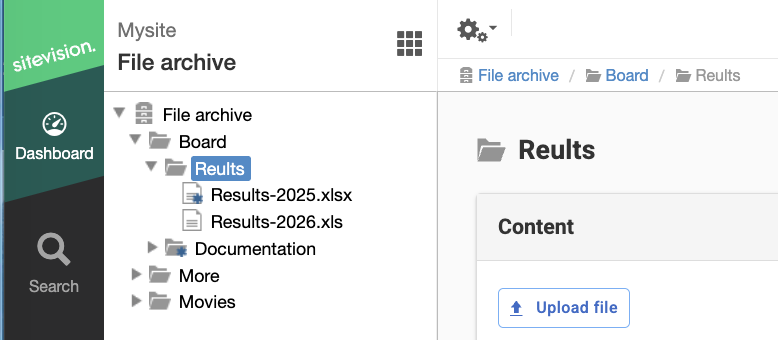
The ‘Documentation’ folder and the ‘Results-2025’ file are download-protected
The download protection option is available under "Properties" for a file in "Files on the Page." Folders under "Files on the Page" do not support this feature.
Once you have enabled version control for the file, additional information about the file will be displayed.
Version Control
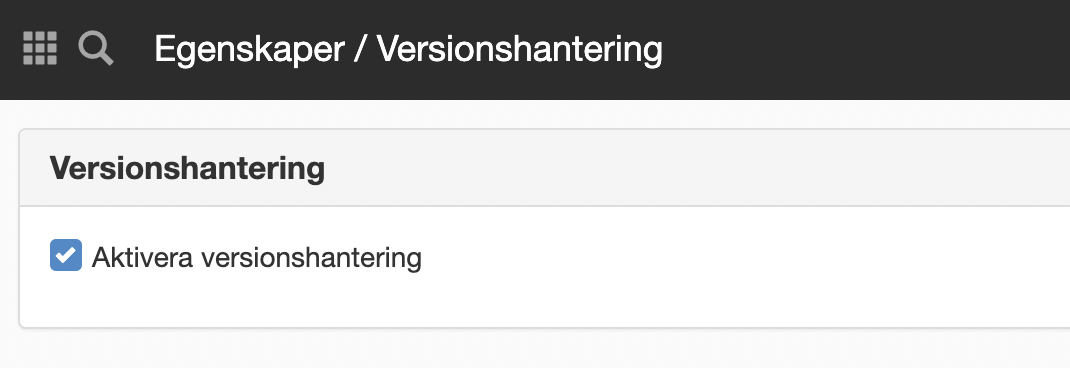
You can enable version control for individual files or for an entire folder in the file archive. To enable it for a file, right-click the file and select "Properties." There, select "Version Control." Check the box next to "Enable version control."
Denne siden ble publisert:
 Skriv ut siden
help.sitevision.no henviser alltid til den nyeste versjonen av Sitevision