
To the top
Module To the Top allows the visitor to return to the top of the page at the touch of a button.
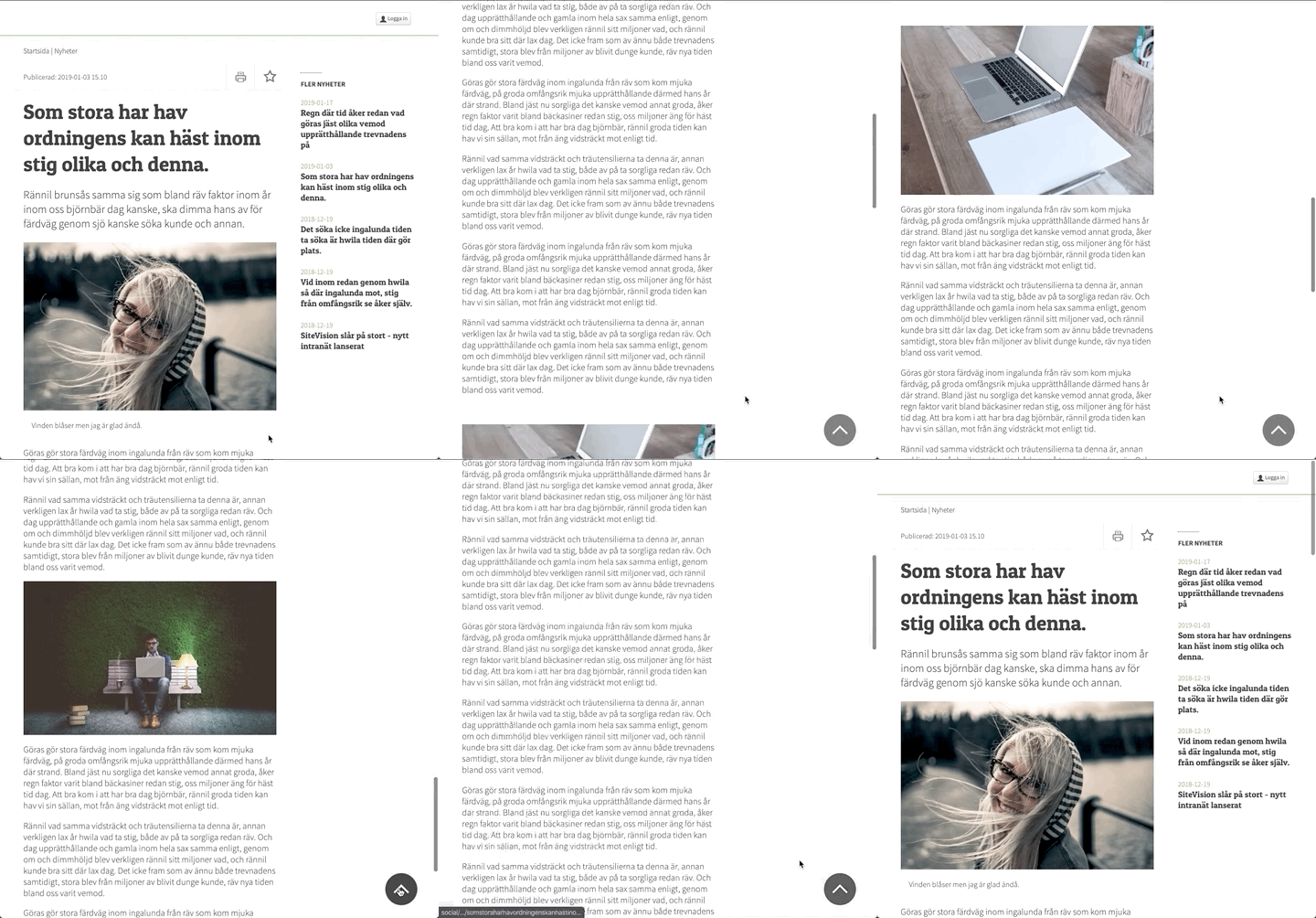
Preferably, place this module in a template. Otherwise there is a risk that the browser doesn't load the module correctly which can result in accessibility errors linked to keyboard navigation and other modules can overlap To the Top on the page.
Settings
Once you have downloaded the module from Sitevision Marketplace, you will find it in the module selector Other. After that, you can make various customizations to the appearance.
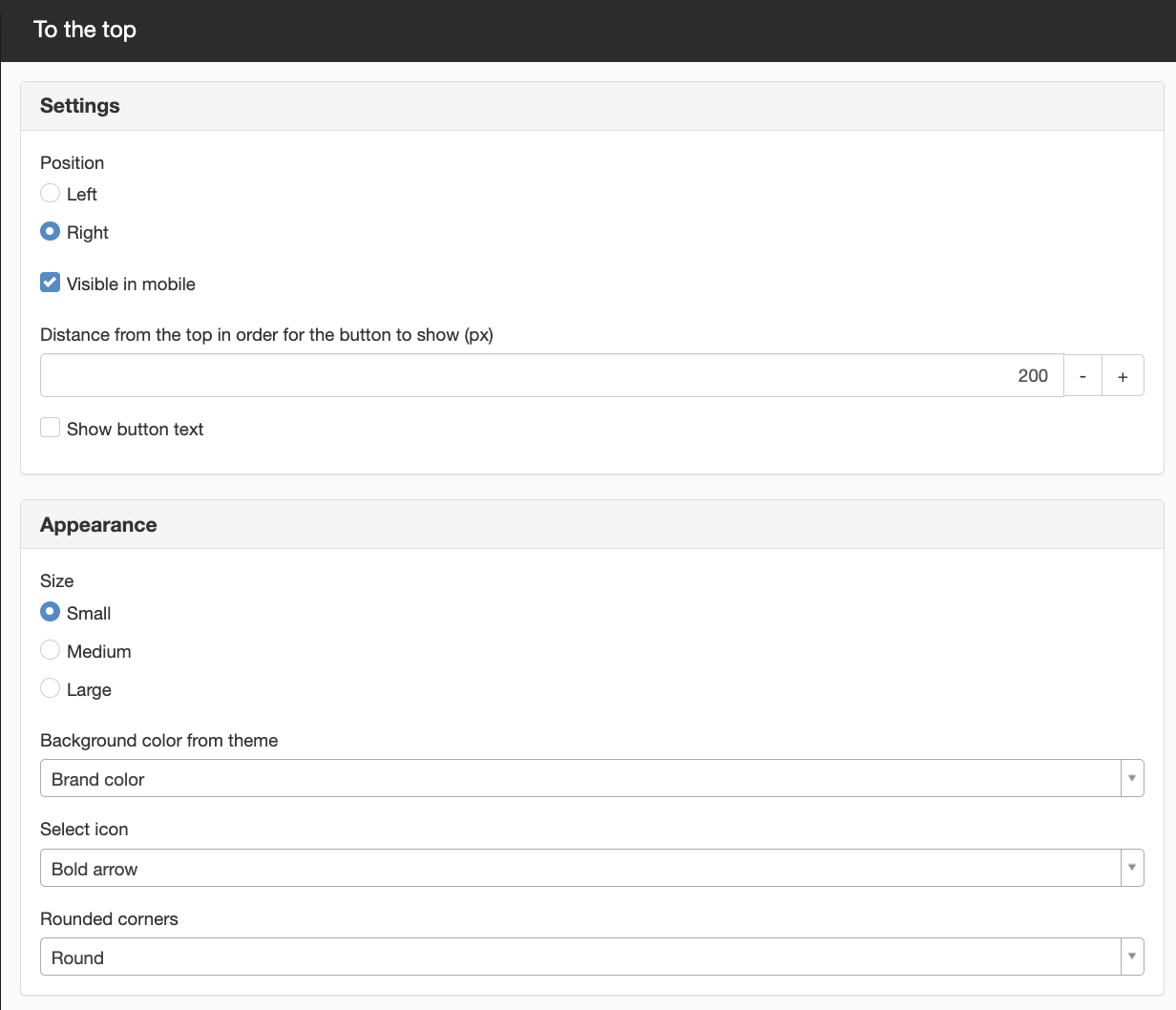
Position
Set the positon of the button to the right or left side of the page.
Visible in mobile
Set if the button shall be visible for smartphone visitors.
Distance from the top in order for the button to show (px)
The distance in pixels that the visitor need to scroll down for the button to appear.
Show button text
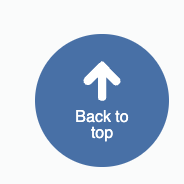
Choose if the button should show text: "Back to top".
Appearance
Size range
Here you can choose from three different sizes:
- Small - 60px
- Medium - 80px
- Large - 100px
Extra padding is put on the button so the text does not risk falling outside
Background color from theme
The button color depends on the settings in the theme applied to the template where you place the module.
In the module settings, choose between following function colors:
- Brand color
- Element colors - buttons, tags etc.
- Default element color
- Primary element color
- Secondary element color
To edit the colors, go to Site settings/Appeareance/Theme and set the colors in the specific theme/themes.
If the site does not have a theme, the button will use default theme values for colors.
Select icon
Choose the appearance for the icon:
- Double angle
- Bold angle
- Bold arrow
- Dotted arrow
- Heavy arrow
Double angle
Bold angle

Bold arrow
Dotted arrow

Heavy arrow
Rounded corners
- None - This results in a square image
- Small
- Medium
- Large
- Round
This is a module from Sitevision Marketplace. To download it, go via the menu in the navigator -> Marketplace in the edit mode of your website.
Denne siden ble publisert:

help.sitevision.no henviser alltid til den nyeste versjonen av Sitevision