
Add color - Permissions
Here you can control who has access permission to use certain colors. Here you can choose to set permissions on roles or modules.
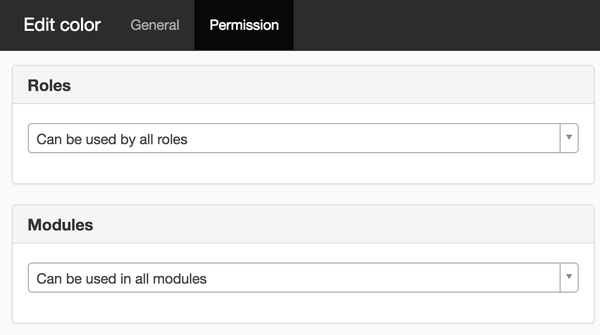
Roles
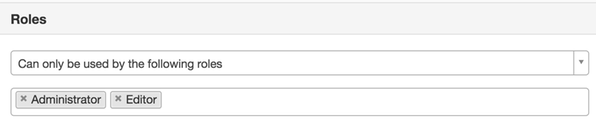
Here you can select the options:
- Can be used by all roles - The colors are available to everyone.
- Can only be used by the following roles - This will display the roles that are given on the website as a list. Select the roles that you want to have access permission to colors.
Modules
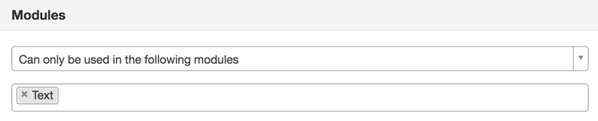
Here you can select the options:
- Can be used by all roles - The colors are available in all modules.
- Can only be used in the following modules - A list of all modules is displayed. Select the modules that you want to have access permission to colors.
- Cannot be used in the following modules - A list of all modules is displayed. Select the modules that you do NOT want to have access permission to colors.

This function requires you to have "Manage views" permission.
The page published:

Did the information help you?
help.sitevision.se always refers to the latest version of Sitevision