
Panel Networks proxies
Under this tab, you can set up rules for how SiteVision should access external resources, such as for example Link checks or RSS. To add a rule, click the Add proxy configuration link.
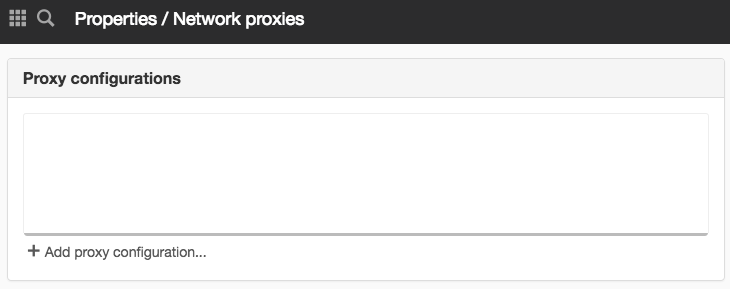

The proxy settings only apply to outbound traffic from the SiteVision server. This is for example:
- Calls that SiteVision makes to retrieve RSS feeds.
- Calls that link checks makes to test external links.
- Calls that the Proxy module makes to the underlying system.
- Calls SiteVision makes to upload statistic files to Vizzit
- Calls made to retrieve external files via VFS.
Thus, the settings do not affect how clients/browsers retrieve resources.
The Network proxies panel can be found on the items:
- Properties for a server
The page published:

Did the information help you?
help.sitevision.se always refers to the latest version of Sitevision