
Add target
Hit
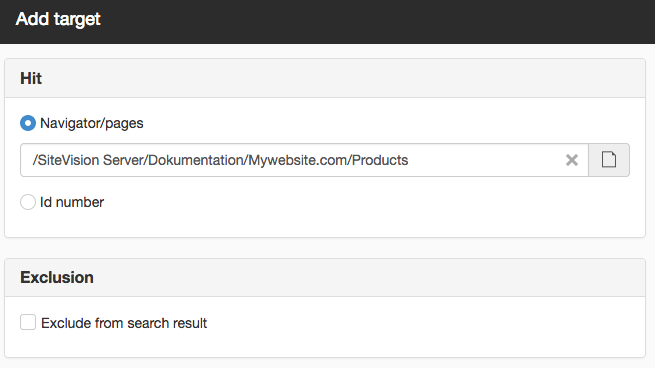
Here you can scroll down/indicate the relevant hit (the hit must be indexed for it to work).
Navigator/pages
Browse to a website and a page.
Id
Here you specify a page or file ID number. The ID number can be accessed by taking Properties -> General on the file or page.

If you want to "designate" a file or image in a server index, you must enter its ID number. The browse function for image archive/file archive is only available on custom indexes posted at website level.
Exclusion
If you tick this box, the hit will not be in the search results. Simply a way to easily remove hits from a search result.

You need to log in with the system user to access this feature.

You will not access the setting if the site is located in Sitevision Cloud.

Help with advanced search solutions is not included in the support.
The page published:

help.sitevision.no henviser alltid til den nyeste versjonen av Sitevision