
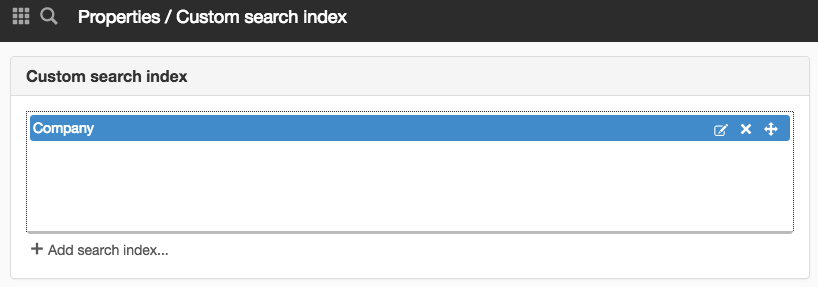
Panel Custom search index
You can create your custom indexes and make settings on them via the Search category and the Custom search index panel on the server item. The custom search indexes are copies of the standard index, which you can then configure.
On the custom index, you can make settings for elevated hits, scheduled reports, selections, fields, and pipelines among others.
Use custom search index
Once you have set up a custom search index, you will need to reindex your website for the new settings to take effect. In the Search, Search box, and Search faceted modules, you need to designate a custom search index as the basis for searches in the modules. If you do not designate a custom search index, the default index will continue to be used.
Read more about the settings in the modules:
Custom index in the Search module

In SiteVision Cloud you will find custom search indexes via Website settings and the Custom search index panel. It is enough that you have a license for Search Advanced to have a custom search index in SiteVision Cloud.

You need a license for "Search Enterprise (previously Search package 2)" to use this feature.
You need to log in with the system user to access this feature.

Help with advanced search solutions is not included in the support.
Denne siden ble publisert:

help.sitevision.no henviser alltid til den nyeste versjonen av Sitevision